Why NEP Alignment Matters in Computer Education
The NEP 2020 emphasises:
- Conceptual understanding over rote learning
- Critical thinking and problem-solving
- Experiential and project-based learning
- Technology integration across subjects
- 21st-century skill development
So, the best computer books for students should do more than just teach “how to use MS Word” or “how to open Windows.”
They must build:
 Digital literacy Computational thinking Logical reasoning Creativity and innovation AI awareness
What Schools Should Look for in Computer Science Books for Classes 1 to 8
When evaluating Computer Science Books for Classes 1 to 8, schools should ensure:
1. Progressive Learning Structure
The curriculum should start with basic digital skills in the early grades and gradually introduce coding, algorithms, and AI in middle school.
2. Windows 11 and MS Office Integration
Schools often look for computer books based on Windows 11 and MS Office 2021, so students learn with the latest software. Up-to-date lessons keep learning relevant.
3. Concept + Practical Balance
Students must understand concepts such as:
- Evolution of computers
- Storage and input devices
- Algorithms and flowcharts
- Data and digital systems
alongside practical training in:
- Windows 11
- MS Word 2021
- MS Excel
- MS PowerPoint
- Scratch and coding basics
4. Project-Based & Experiential Learning
NEP mandates learning by doing. Books must include:
- Case studies
- Hands-on lab activities
- Creative projects
- Real-life applications
5. Competency-Based Assessment
A strong computer book should include:
- Objective questions
- Analytical questions
- Case-based exercises
- Olympiad-level practice
Tech Set Go! – A Complete NEP-Aligned Solution
Tech Set Go! is a comprehensive series of Computer Science Books for Classes 1 to 8, designed as a structured digital learning pathway aligned with NCERT and NEP guidelines. It combines conceptual clarity, practical skills and future-ready competencies.
Structured Chapter Design for Deeper Learning
One of the reasons Tech Set Go! stands out among the best computer books for school students is its carefully structured chapter flow. Each chapter is designed as a complete learning journey — guiding students from concept recall to application and higher-order thinking.
Here’s how the structure ensures meaningful and NEP-aligned learning:
1. Let’s Revisit – Building Strong Concept Connections
Every chapter begins by reconnecting students with previously learned concepts. This strengthens foundational understanding and ensures continuity of learning across classes.
By activating prior knowledge, students are better prepared to grasp new digital concepts with clarity — a key principle of NEP’s competency-based learning model.
2. About the Chapter & Learning Outcomes – Clear Learning Direction
Students are clearly informed about what they will learn and what skills they are expected to develop.
Defined learning outcomes:
- Set clear academic goals
- Encourage focused learning
- Help teachers track competency development
This way, students learn with clear goals instead of just going through the motions.
3. Let’s Uncover – Step-by-Step Concept Mastery
This is the core explanatory section of the chapter. Concepts are presented through structured explanations, real screenshots, diagrams and relatable examples.
Whether students are learning:
- Windows 11 interface
- MS Word editing tools
- Algorithms and flowcharts
- Data and storage systems
They learn not only how things work, but also why they matter.
4. Quick Recall & Quick Recap – Reinforcement for Retention
Short activities placed within and at the end of the chapter help students reinforce key ideas.
These sections:
- Improve memory retention
- Encourage self-checking
- Prevent learning gaps
Students build their understanding step by step rather than waiting until the end for a test.
5. Quick Check & Deep Check – Competency-Based Assessment
Assessment is divided into two levels:
- Quick Check – Objective and short-answer questions for immediate understanding.
Deep Check – Analytical and reasoning-based questions that develop critical thinking.
This step-by-step assessment matches NEP’s goal of building strong thinking skills.
6. Learning in Focus – Real-Life Application
This section connects computer concepts with real-world situations through case studies and scenario-based learning.
Students learn how technology:
- Impacts daily life
- Supports industries
- Solves real problems
This helps students connect what they learn in books to real-life situations.
7. Practical Check – Hands-On Digital Confidence
Students engage in guided computer lab activities to apply what they’ve learned.
By working on tasks like formatting documents, making presentations, or designing simple algorithms, students gain real digital confidence.
This makes it a dependable Computer Science book for Classes 1 to 8.
8. Build It Yourself – Creativity and Innovation
Project-based learning tasks encourage students to:
- Design presentations
- Create models
- Develop simple programs
- Collaborate with peers
This approach encourages creativity, teamwork, and innovation, which are key skills for students today.
9. Olympiad Practice Sheets – Higher-Order Thinking Skills
Advanced questions at the end of the book challenge students beyond textbook basics.
These practice sheets:
- Enhance logical reasoning
- Prepare students for competitive exams
- Strengthen problem-solving ability
This helps students aim for both strong grades and success in competitions.
Why This Structure Matters
This layered and thoughtfully sequenced approach ensures that students move from:
Understanding → Application → Analysis → Creation
Instead of just learning how to use software, students build digital thinking skills, which is the main goal of an NEP-aligned computer curriculum.
Windows 11-Based and MS-Office 2021-based Computer Book
Schools looking for a modern Windows 11-based and MS-Office 2021-based computer book will find that Tech Set Go! includes:
- Updated Windows 11 interface learning
- MS Word 2021 editing and formatting
- MS Excel basics
- MS PowerPoint 2021
Students learn both operational skills and underlying concepts — a key requirement under NEP.
Future-Ready Skill Development
As technology changes quickly, computer education should do more than teach software basics. A good curriculum prepares students for both exams and the future.
Across Classes 1–8, Tech Set Go! ensures progressive and age-appropriate development of essential 21st-century digital skills, making it one of the most comprehensive Computer Science Books for Classes 1 to 8 for CBSE and progressive schools.
Here’s how the skill journey unfolds:
1. Digital Literacy – Building Strong Foundations
In early classes, students develop foundational digital literacy skills. They learn:
- Parts of a computer and their functions
- Responsible and safe internet usage
- Understanding storage and input devices
- Basic software navigation
- Digital etiquette and awareness
This helps students become confident, responsible, and informed digital users right from the start.
2. Research and Presentation Skills – Communicating with Confidence
As students move to higher classes, they begin:
- Conducting guided internet research
- Organising digital information
- Creating structured presentations
- Designing multimedia projects
- Formatting professional documents
By using Windows 11 and MS Office 2021 in real projects, students learn to share their ideas clearly and creatively, which is an important skill for school and work.
This makes it a strong Windows 11 and MS Office 2021-based computer book that teaches more than just basic skills.
3. Algorithmic Thinking – Developing Logical Structure
Before coding, students must learn to think logically.
Through structured chapters on algorithms and flowcharts, students learn:
- Step-by-step problem solving
- Logical sequencing
- Decision-making structures
- Pattern recognition
- Breaking complex problems into smaller steps
This helps students develop computational thinking, which is a key skill for success in STEM subjects.
4. Coding Awareness – From Logic to Creation
Students are gradually introduced to coding concepts through age-appropriate platforms like Scratch.
They learn:
- Blocks-based programming
- Sprite animation
- Interactive storytelling
- Basic game design
- Logical debugging
Instead of just memorizing code, students learn programming logic, which encourages creativity and organized thinking.
5. Multimedia Understanding – Engaging with Digital Content
In today’s content-driven world, students must understand how multimedia works.
The series introduces:
- Images, audio and video integration
- Hyperlinks and web tools
- Multimedia presentations
- Responsible digital content usage
Students shift from simply using digital content to creating their own.
6. Artificial Intelligence (AI) Fundamentals – Awareness of Emerging Technologies
Future-ready learning includes awareness of evolving technologies.
Students are introduced to:
- Basic AI concepts
- Real-life AI applications
- Smart devices
- How machines “learn”
- Ethical considerations in technology
This gives students an early look at ideas that will be important in future jobs.
7. Higher-Order Reasoning Skills – Preparing for Competitive Excellence
The inclusion of:
- Analytical case-based questions
- Deep Check exercises
- Olympiad Practice Sheets
- Application-based scenarios
builds stronger critical thinking, reasoning, and problem-solving skills.
Students learn to do more than answer questions—they also analyze, evaluate, and come up with solutions.
8. A Progressive Learning Continuum
What truly differentiates Tech Set Go! from many other Computer Science Books for classes 1 to 8 is its structured skill progression.
Students move systematically from:
Basic Digital Awareness
→ Structured Application Skills
→ Logical & Algorithmic Thinking
→ Creative Coding
→ AI Exposure & Higher-Order Reasoning
This makes it a great choice for CBSE and other forward-thinking schools that want the best NEP-aligned computer books for their students.
Complete Digital Support Ecosystem
Beyond textbooks, schools receive:
- E-books
- Worksheets with answers
- Interactive exercises
- Instructional videos
- Detailed lesson plans
- Answer keys
This helps teachers use the materials easily in their classrooms.
Why Choosing the Right Computer Science Book Matters
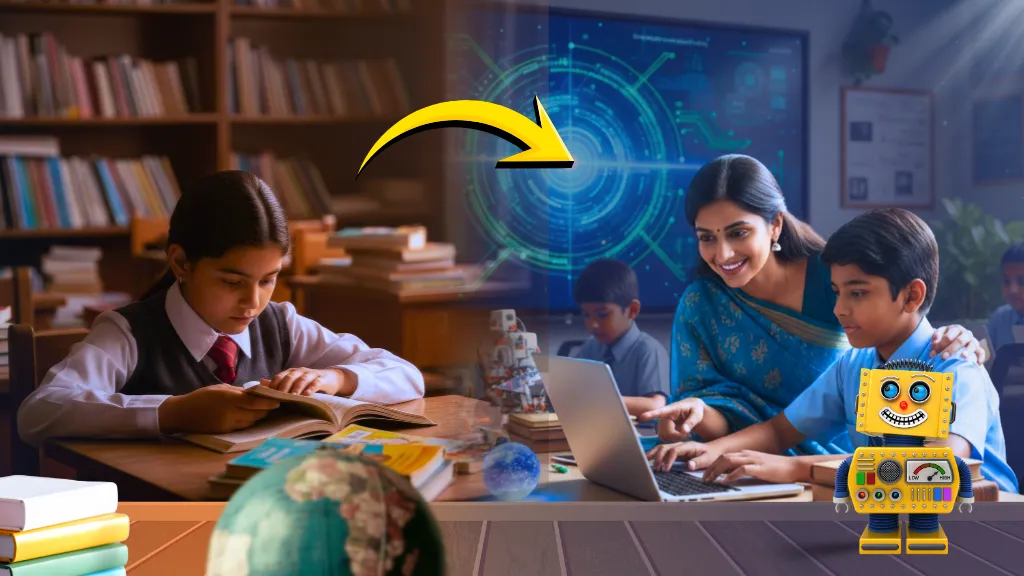
In today’s digital economy, students must move from:
“Learning how to use technology”
to
“Learning how to think with technology.”
Choosing the right Computer Science books for Classes 1 to 8 is more than an academic choice; it’s an investment in students’ future skills.
If your school is searching for:
- The best computer books for school students
- A Windows 11-based and MS-Office 2021-based computer book
- An NEP-aligned, competency-driven curriculum
Tech Set Go! provides a well-organized and complete solution.
Ready to Transform Your School’s Computer Curriculum?